The real thing
Not a mockup.
Actual screenshots from the app — swipe through, or let it play.
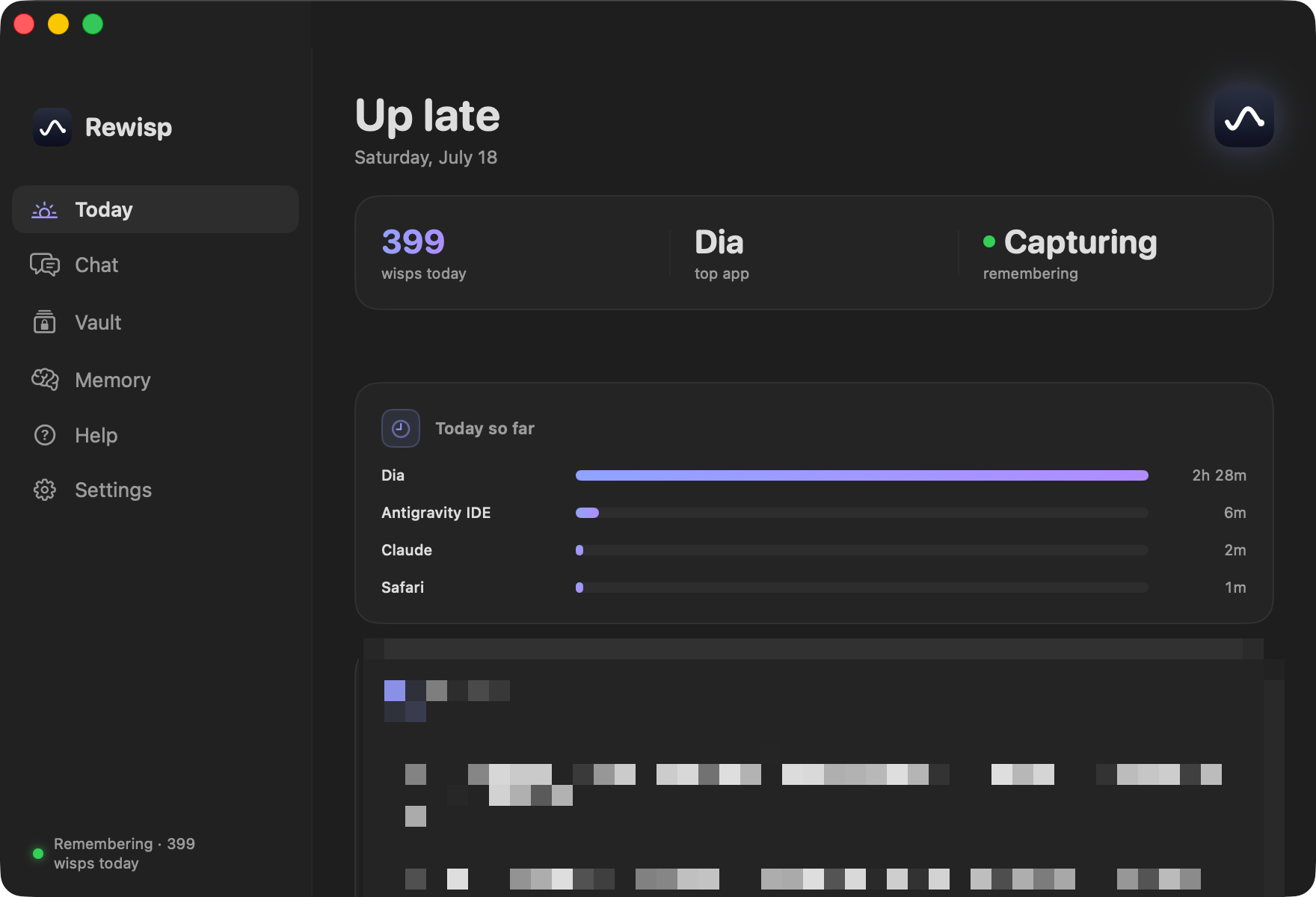
Today — your day, remembered
Every glimpse of your screen becomes a wisp — text only, kept on this Mac. Ask anything later and Rewisp revisits them for you. Now it reasons over them too: what changed, what you promised, what you keep forgetting.
macOS 15+ · Apple Silicon · summon anywhere with ⌘⇧Space
No screenshots below — these are live, running in your browser. The real app does the same on your Mac.
Not a timeline — a map. Every place you spent real time becomes a point, positioned by what it was about, so work that belongs together sits together. The faint curves are the loops you fell into. Hover a point, or press replay and scrub the day — then tap one to go back to that moment.
You said it once, in passing, and moved on. Rewisp caught the commitment as it scrolled by, held it, and brought it back the morning it was due — without you writing anything down.
A school address on a course site, a personal one on a shopping cart. Rewisp asks once which you a site belongs to — and never guesses, because a silently wrong identity in a submitted form is the mistake you can't take back. After that it's settled, and always one tap to change. Try the chips.
⌘⇧Space on a signup page. Reads every field, fills from your saved details. Never passwords or cards — and never submits.
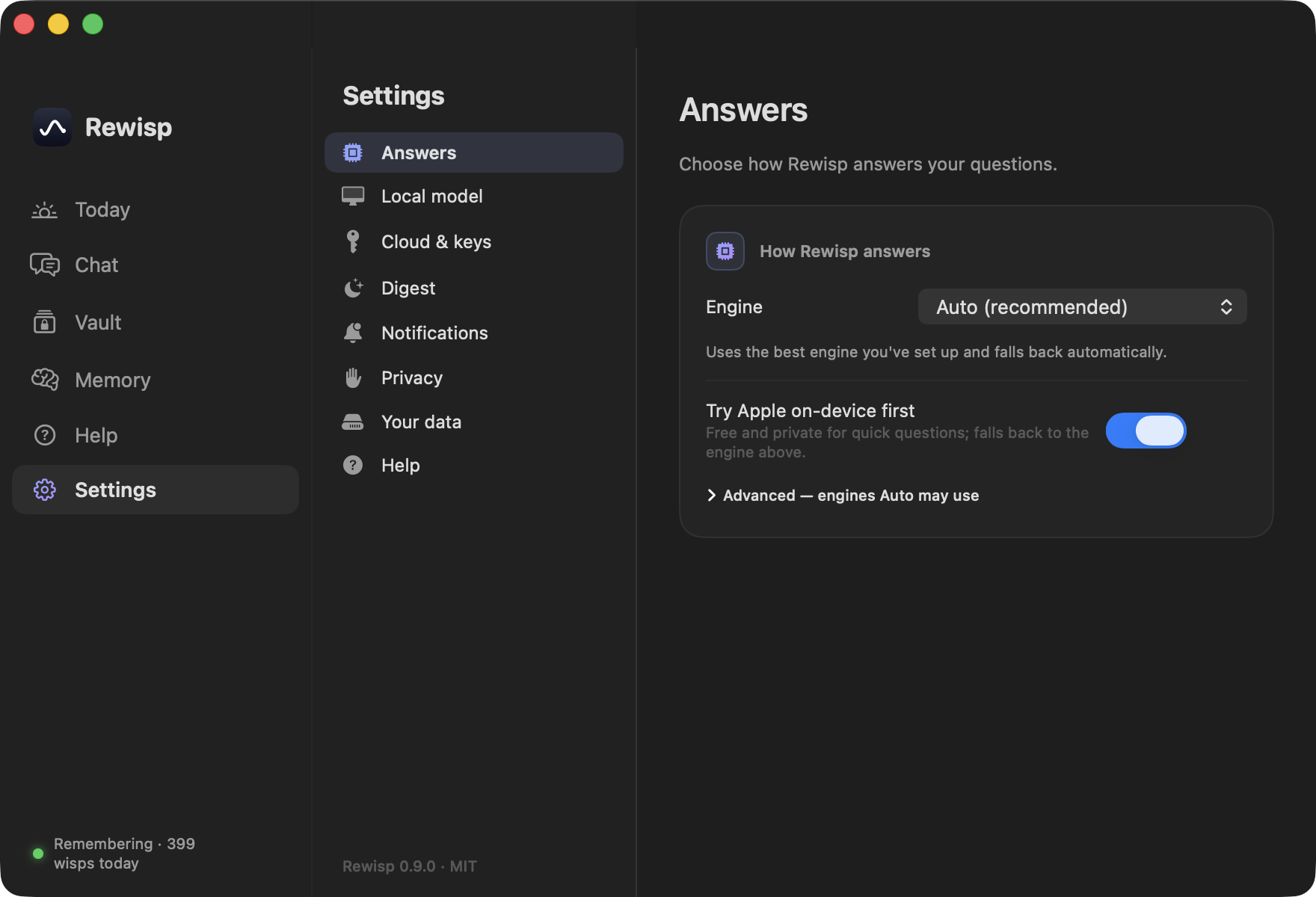
Free on-device model answers first. If it comes up thin, Rewisp quietly escalates to Gemini, then Claude — you just see the good answer.
At 9 PM: what happened, what's still open, what it learned about you. Every fact waits for your approval before it's kept.
Minutes per app, computed locally from what you actually looked at. No timers to start, nothing sent anywhere.
Rewisp keeps every version of a page as text. It shows exactly what was added, removed, or moved since you last looked — a screen recorder can't.
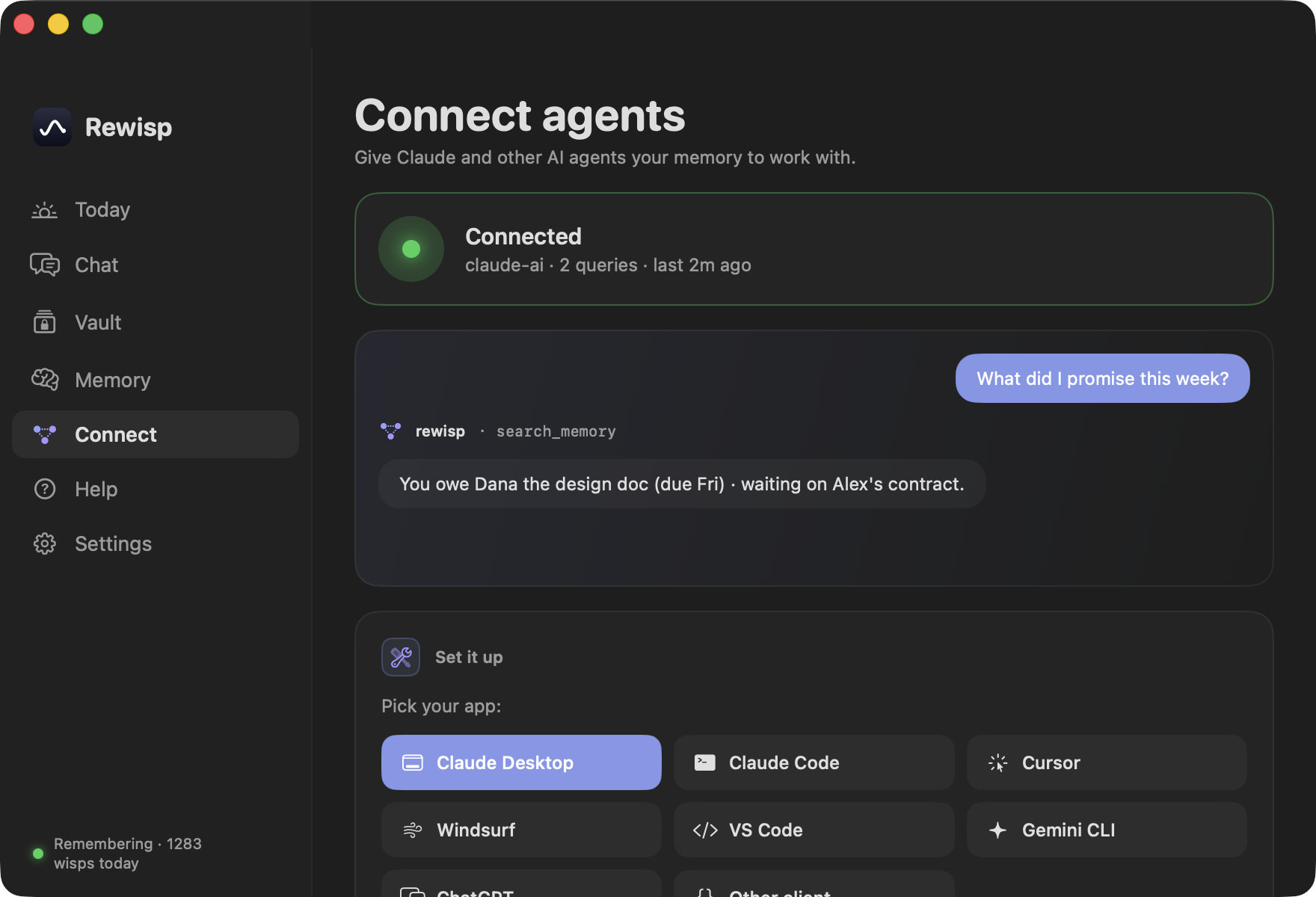
Claude, Cursor, VS Code — any MCP client can search your memory and read your promises while it works. Read-only, local, never spends your subscriptions.
Rewisp keeps clean text, not video — so it can do things a screen recorder can't. All of this runs on your Mac, for free.
The digest lists what you left unfinished — and now says how many nights each one has survived. “New tonight” is a note; “5 nights” is a decision you keep not making, and it’s coloured to match.
A separate “don’t bother” list keeps noisy apps and sites out of your memory entirely — different from the kill list, which is about privacy. Settings shows which apps and sites are actually filling it, so silencing one is a tap.
Ask “that article about burnout” and it finds the page that said “exhaustion.” No shared words needed — it understands what you meant, and it’s typo-proof: it still finds words the screen text misread.
Rewisp keeps every version of a page. Ask what’s new since Tuesday and it shows exactly what was added, changed, or removed.
“I’ll send it Friday” — caught where you write, never typed. It reads deadlines like “by EOD” or “next week”, tells a real promise from a “maybe”, and closes the slip once you’ve done it. Confirm it and Rewisp reminds you on the due day, once. Ads and AI chats can’t fake one.
A weight, a grade, a price you see again and again becomes a sparkline. “How has my weight moved?” — charted from your own screen.
Open the panel and the suggested questions are read off what’s already on your screen and what you’ve asked before.
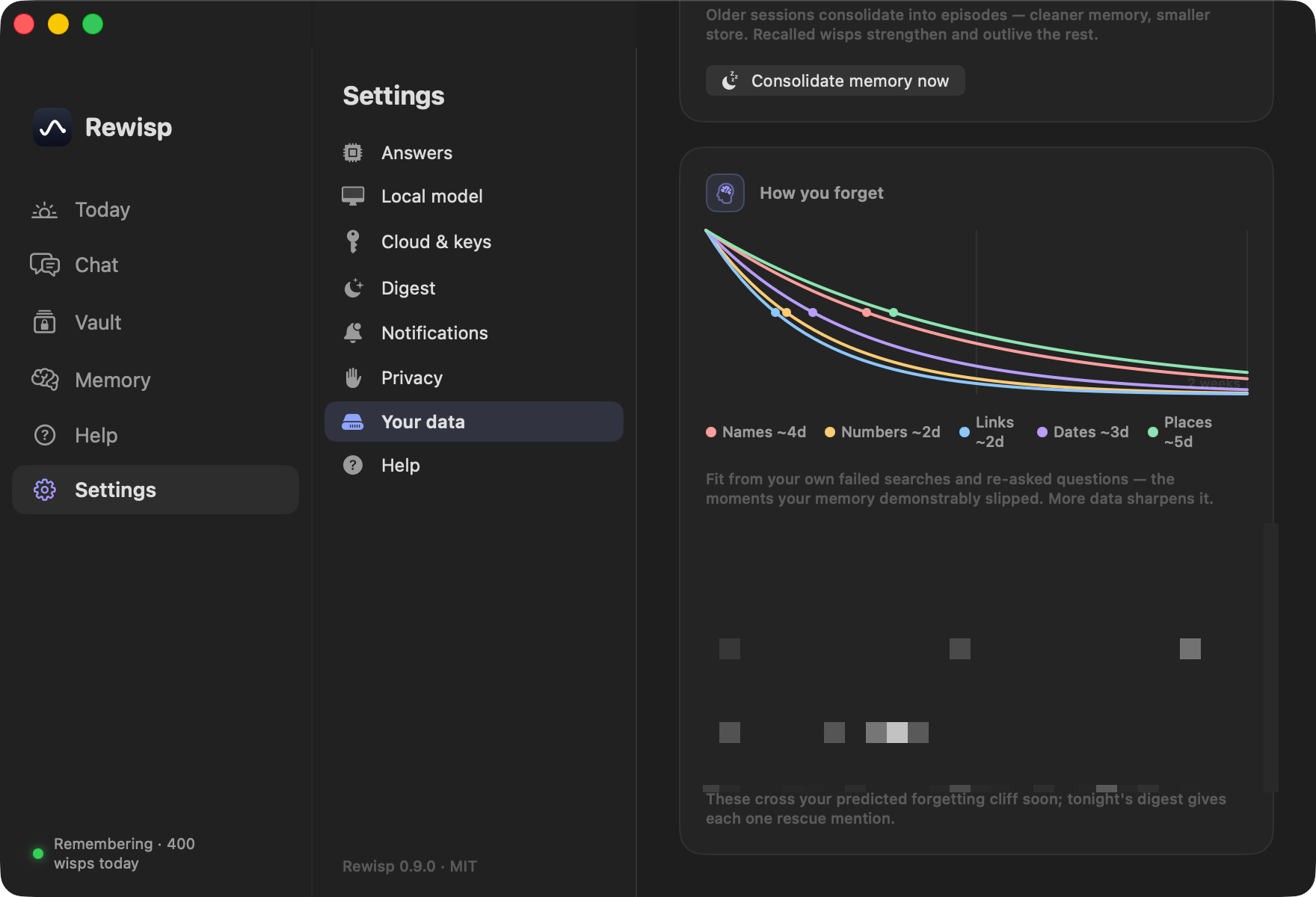
Your failed searches teach it your personal forgetting curve. Things you saw once get rescued right before they fade; facts you keep looking up get pinned forever.
Nights fold old wisps into tidy episodes; the things you ask about get stronger. And it can nudge you when today echoes something you saw before.
Actual screenshots from the app — swipe through, or let it play.
That's expected. macOS recognises apps by an exact signature, and updating changes it — so it treats the new version as a different app and drops the old permission. Nothing is lost and your memories stay put. Since 0.18.0 Rewisp handles this for you: after updating it opens a page that clears the stale entry and puts you one click from switching it back on. This disappears once Rewisp is signed with an Apple developer certificate.
Most "memory" apps record your screen to the cloud. Rewisp was built the opposite way — the pixels are gone before anything is saved.
Smart triggers — switching apps, opening a page, settling after a scroll — catch a wisp of the moment. No constant recording.
Apple's Vision framework turns each wisp into text on-device. The screenshot is never saved — only what it said.
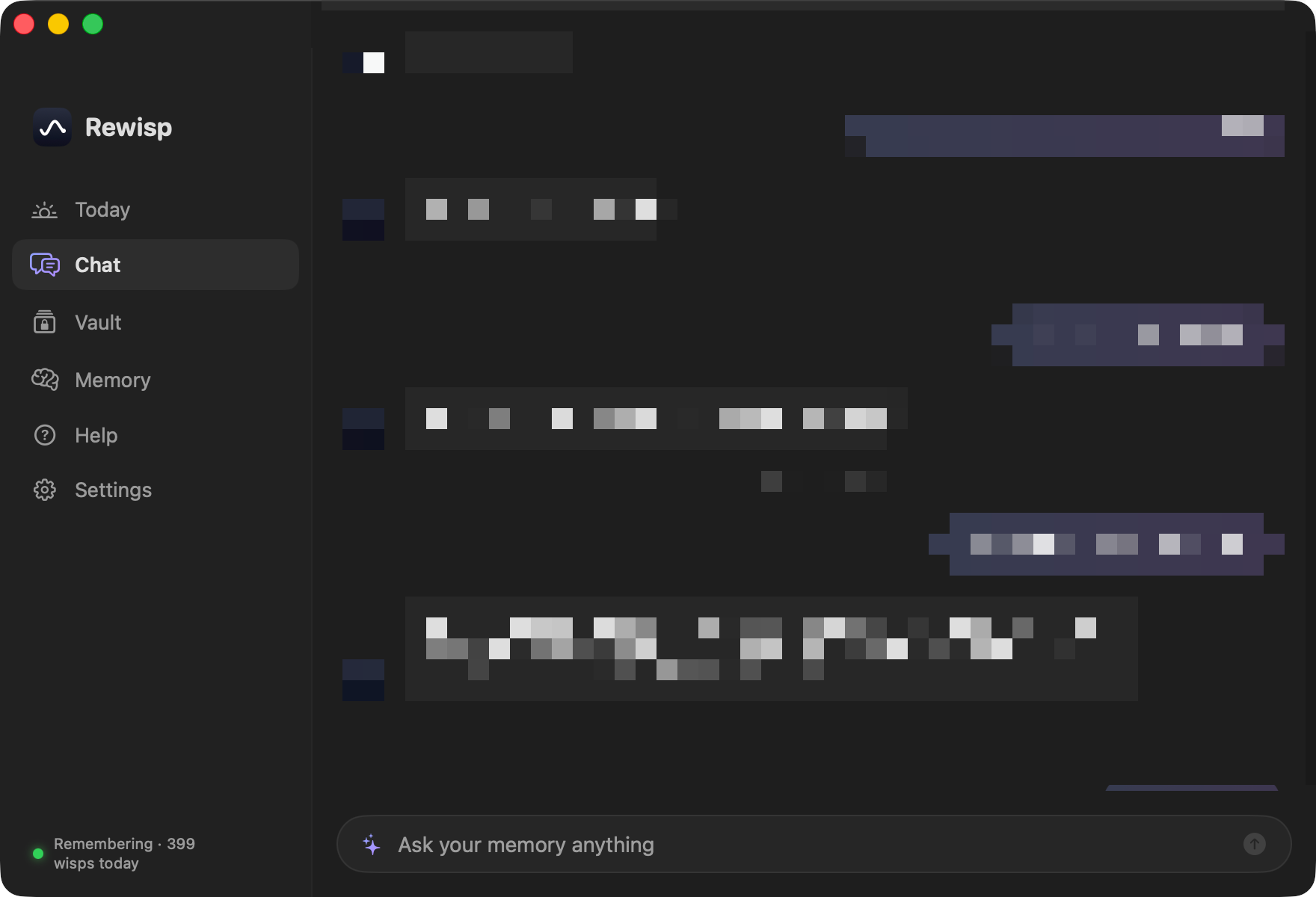
Hit ⌘⇧Space and ask in plain English. Full-text search finds the moment; a model writes the answer with source and time.
Reads every field on a signup or checkout page, pulls your details from the Vault, fills them in. Never passwords or cards, and never submits — you review and send.
Apple on-device, a bundled local model, Gemini, Claude, or ChatGPT. Set an order — it falls through to the next whenever one comes up short.
At 9 PM, one summary of your day: what happened, what's unfinished, what it learned about you — every fact needs your approval.
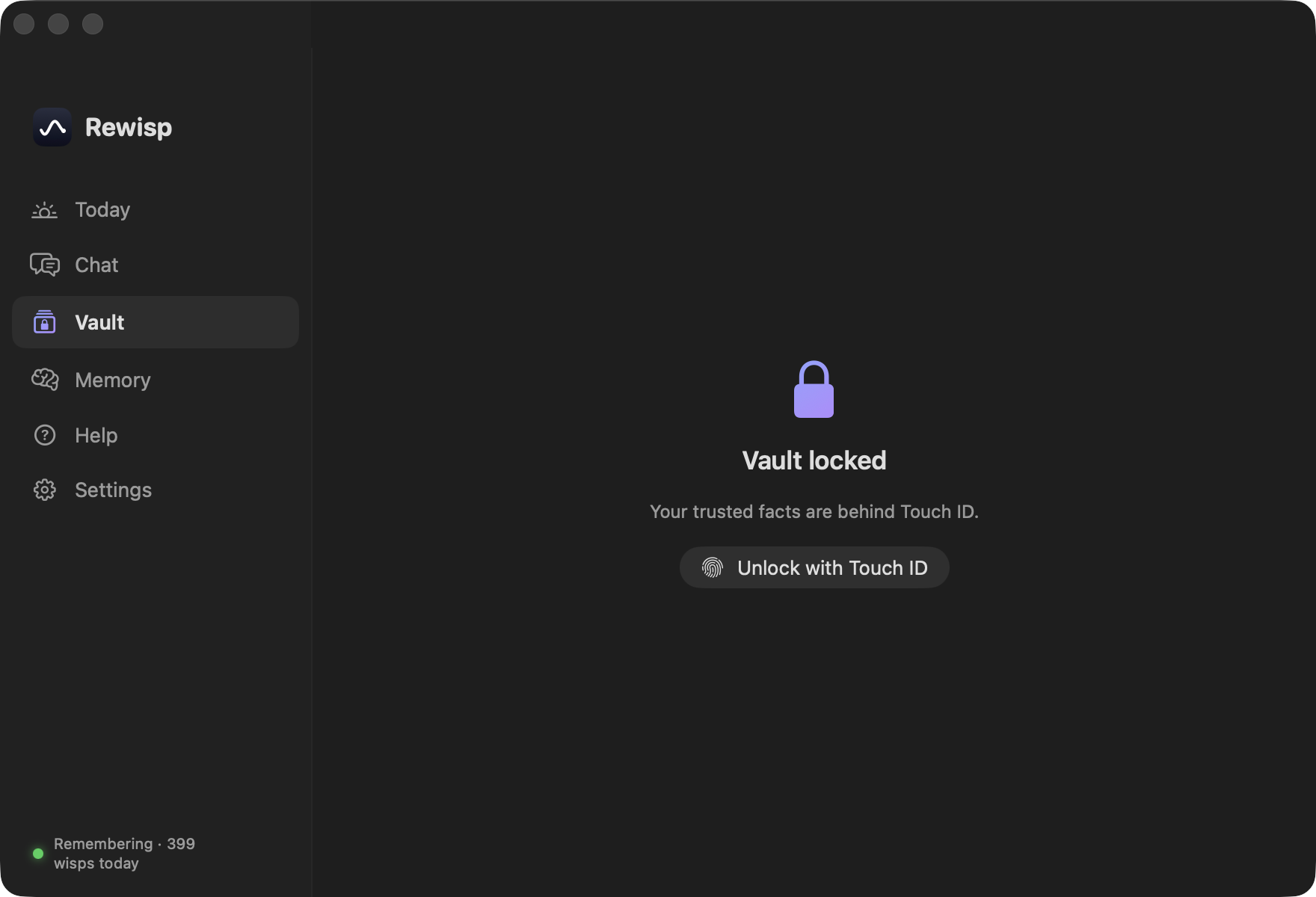
Drop in your resume, addresses, standard answers. Locked behind your fingerprint, treated as trusted truth, filled back to you instantly.
On first launch it checks your Mac and offers a local model that fits — unlimited, offline, private. Or skip it and stay fully on-device.
See where the day actually went — minutes per app, computed locally from what you looked at. No timers, no upload.
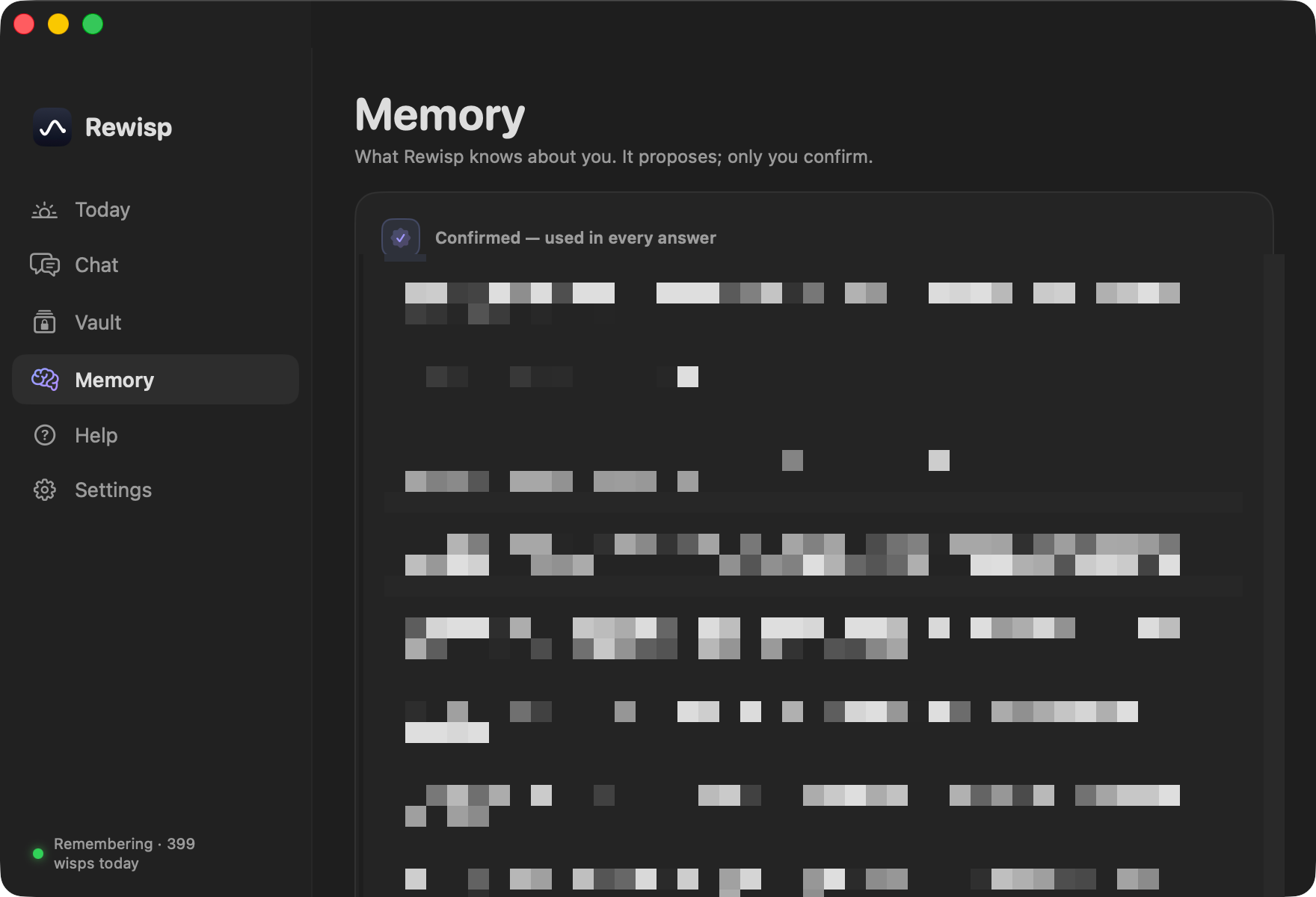
A plain markdown file of what it knows. Approve, edit, or delete any line. It never confirms anything on its own.
SwiftUI menu bar app, global hotkeys, a Spotlight-style panel that fades in and grows with the answer. No Electron.
Connect Claude Desktop, Claude Code, Cursor, or any MCP client — they can search your screen history and read your promises while they work. Read-only, fully local, never spends your subscriptions.
Updates arrive through GitHub Releases — the app checks daily and offers them with one click.
Someone would ask what I did earlier and I'd genuinely have no answer. Not the big things, the ordinary ones: the page with the thing I needed, the number I saw once, what I said I'd follow up on.
So I'd go digging. Browser history, twelve tabs, a Slack search, the folder I swore I saved it in. Ten minutes to recover something I'd already seen with my own eyes an hour earlier.
Rewisp is the fix I wanted for myself. It quietly remembers what crossed my screen, and I just ask. No digging. That's the whole idea, and I use it every day.
— Yashmit
Rewisp is free, open source, and made by one person. If you fund independent software, want to support the work, or just want to talk about it, I'd genuinely like to hear from you.
Copy it if the button below does nothing — some browsers don't hand off mailto links.
Free and open source · MIT · ⌘⇧Space to summon